TopPodcast.com
Menu
  • Home
  • Top Charts
  • Top Networks
  • Top Apps
  • Top Independents
  • Top Podfluencers
  • Top Picks
    • Top Business Podcasts
    • Top True Crime Podcasts
    • Top Finance Podcasts
    • Top Comedy Podcasts
    • Top Music Podcasts
    • Top Womens Podcasts
    • Top Kids Podcasts
    • Top Sports Podcasts
    • Top News Podcasts
    • Top Tech Podcasts
    • Top Crypto Podcasts
    • Top Entrepreneurial Podcasts
    • Top Fantasy Sports Podcasts
    • Top Political Podcasts
    • Top Science Podcasts
    • Top Self Help Podcasts
    • Top Sports Betting Podcasts
    • Top Stocks Podcasts
  • Podcast News
  • About Us
  • Podcast Advertising
  • Contact
Not in our directory?
Add Show Here
Podcast Equipment
Center

toppodcastlogoOur TOPPODCAST Picks

  • Comedy
  • Crypto
  • Sports
  • News
  • Politics
  • True Crime
  • Business
  • Finance

Follow Us

toppodcastlogoStay Connected

    View Top 200 Chart
    Back to Rankings Page
    Arts

    PhotoActive

    Jeff Carlson and Kirk McElhearn discuss photography and the Apple ecosystem. We cover using an iPhone or any other camera with Apple hardware and software, and we welcome photographers to discuss their work.

    Advertise
    • Apple Podcasts
    • Google Play
    • Spotify

    Latest Episodes:
    Episode 28: Low-Light Photography Dec 07, 2018
    Show notes

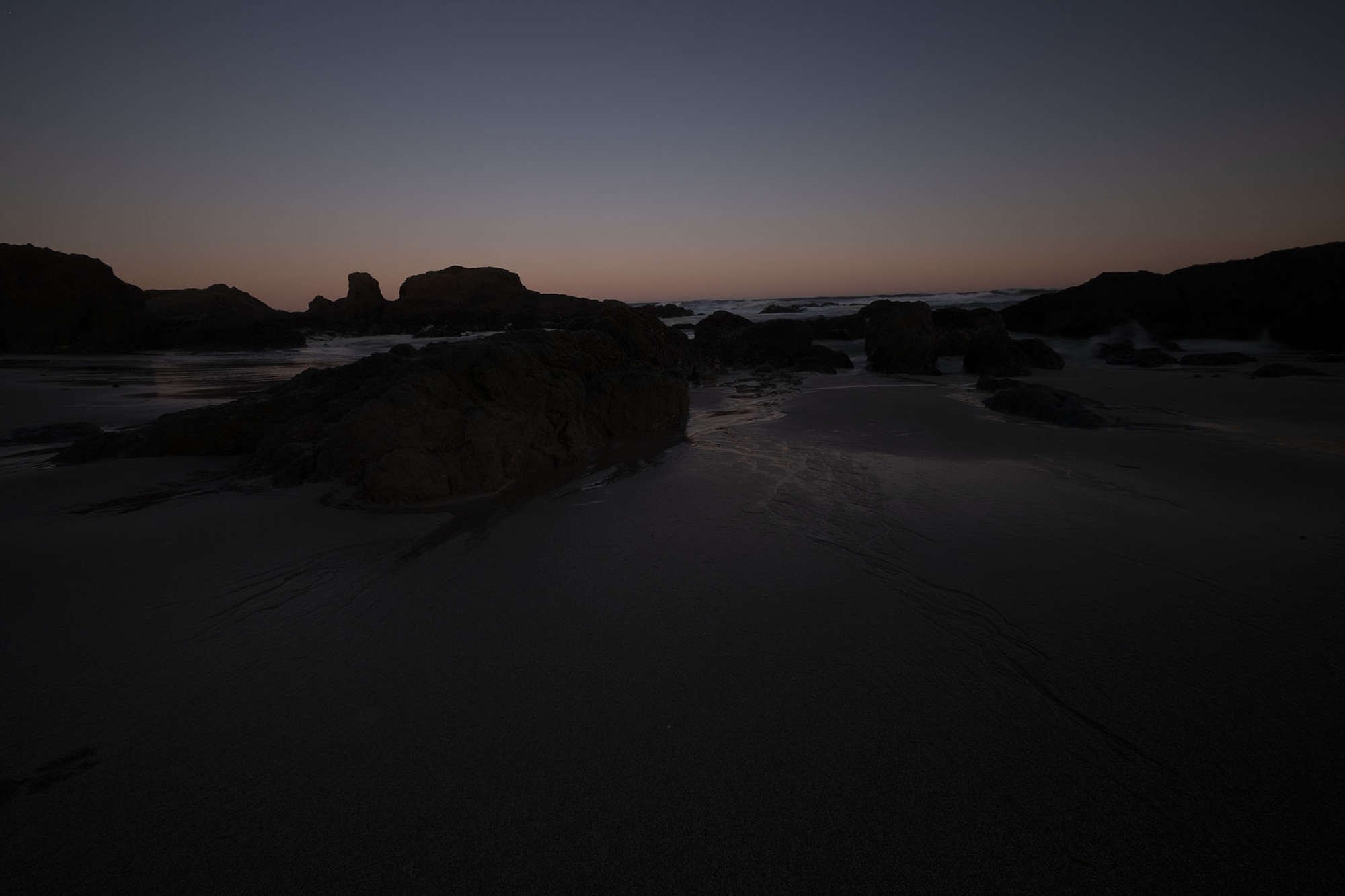
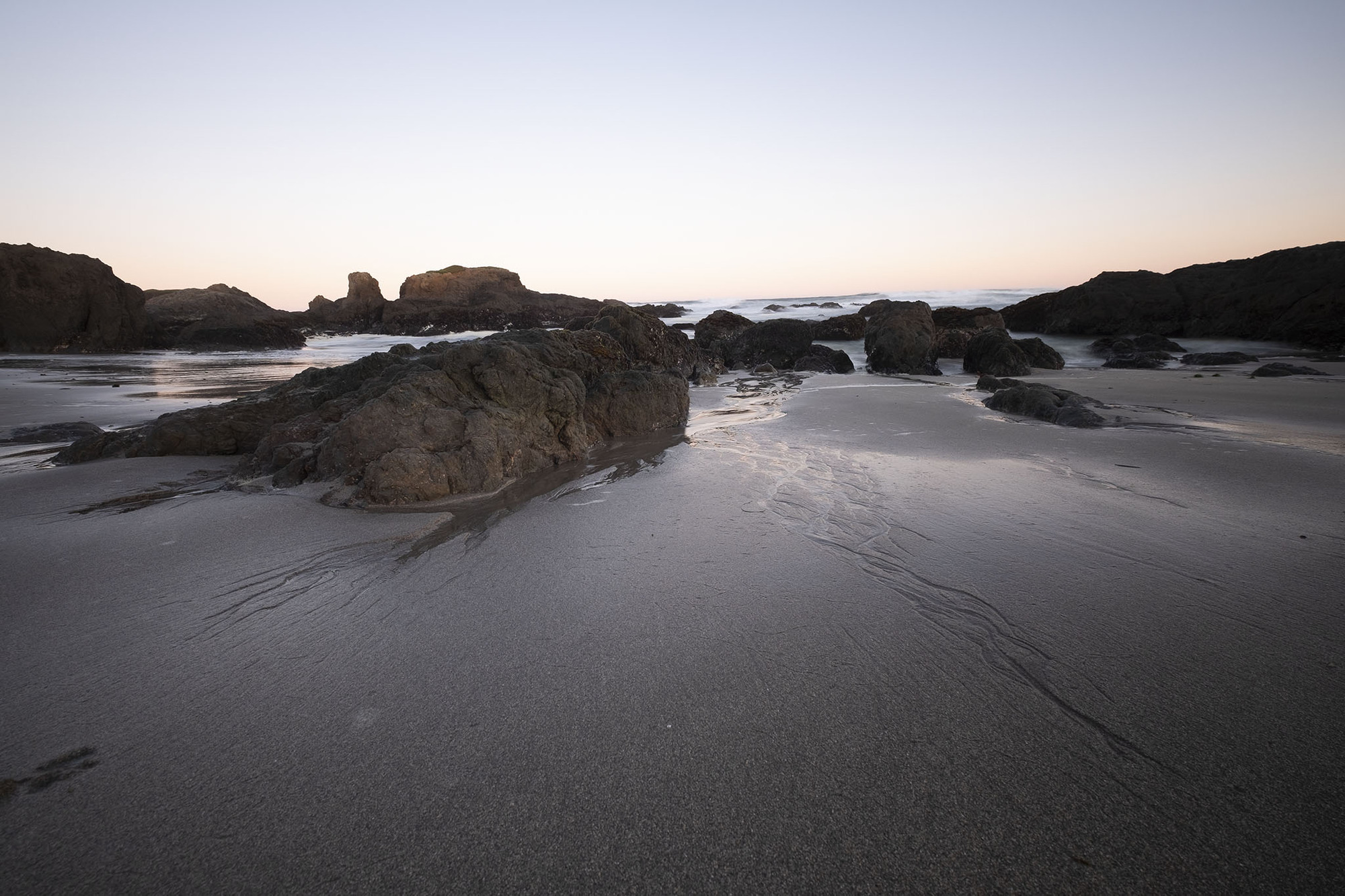
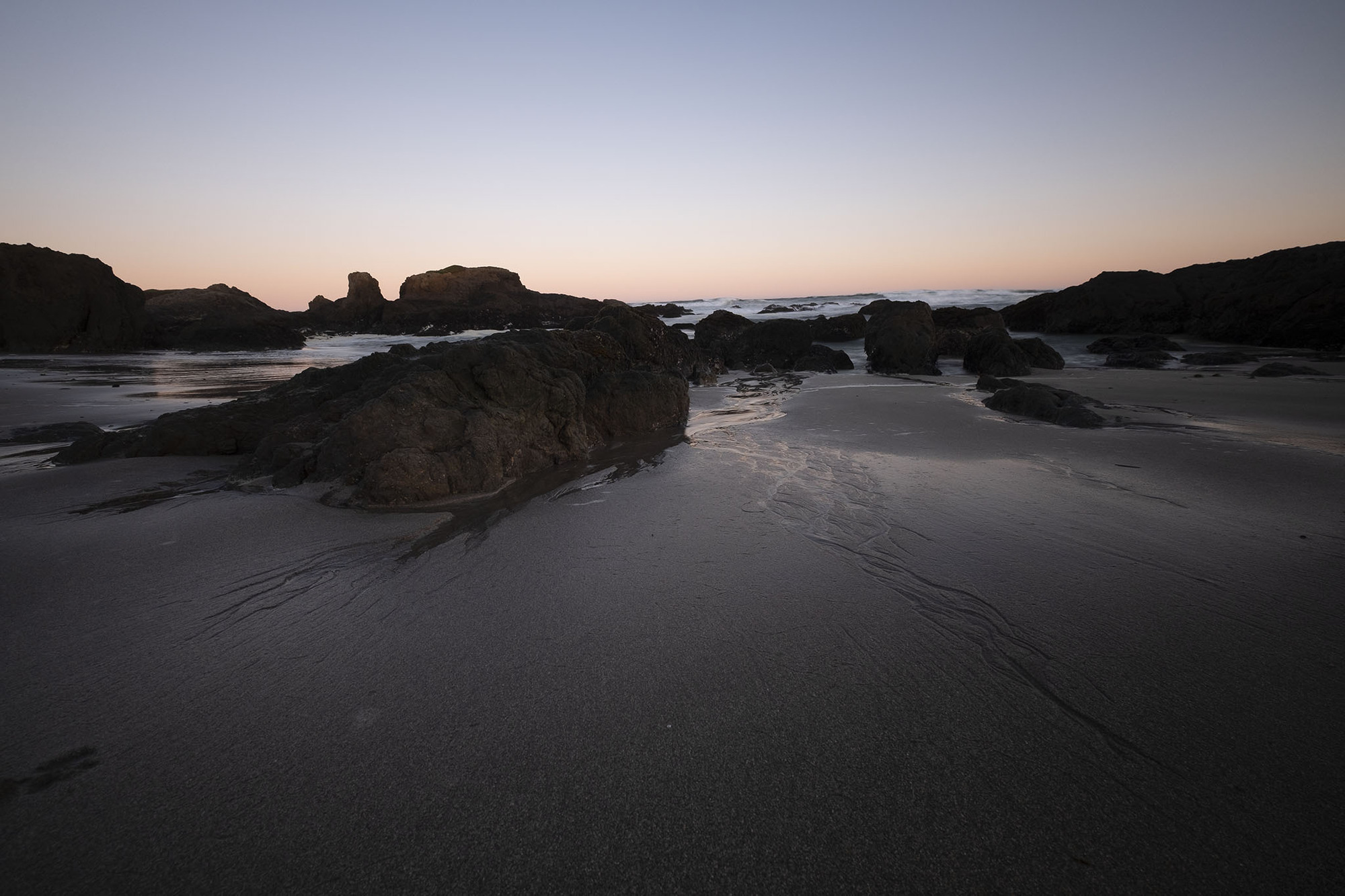
    The winter months are dark for those of us in the Northern Hemisphere, so how do you create good photos in dimly lit environments? Your camera wants to make the best exposure possible, but in low-light situations, that can lead to long shutter speeds and blurry camera motion. Kirk and Jeff cover the many options for dealing with dark scenes in this episode.

    Sponsor

    Luma Labs - Everyone needs a camera strap that is both comfortable and practical. The Luma Loop lets you carry your camera as a sling or snug to your body when you’re not using it. The Luma Loop’s mounting hardware is custom designed so you don’t have to choose between a strap or a tripod mount. Get 10% off any purchase with the code PHOTOACTIVE. https://luma-labs.com

    Hosts:

    • Jeff's website, Jeff's photos, Jeff on Instagram
    • Kirk's website, Kirk's photos, Kirk on Instagram

    Show Notes:

    (View show notes with images at PhotoActive.co)

    • Rate and Review the PhotoActive Podcast!

    • Amazon Basics Monopod

    • An Introduction to the Inverse Square Law, Digital Photography School

    • Episode #21 - HDR (High Dynamic Range) Photography

    • Luma Labs from the factory floor Instagram account

    • Night Sight camera update for Pixel 3 is awesome, CNET

    • Leica M10 Sample Images

    Our Snapshots:

    • Jeff: Strobist
    • Kirk: Grant Simon Rogers (Instagram)

    Subscribe to the PhotoActive podcast mailing list at the bottom of any page at the PhotoActive web site to be notified of new episodes and be eligible for occasional giveaways. If you’ve already subscribed to the mailing list, you’re automatically entered.

    If you like the show, please subscribe in iTunes or your favorite podcast app, and please rate the podcast. And don't forget to join the PhotoActive Facebook group to discuss the podcast, share your photos, and more.

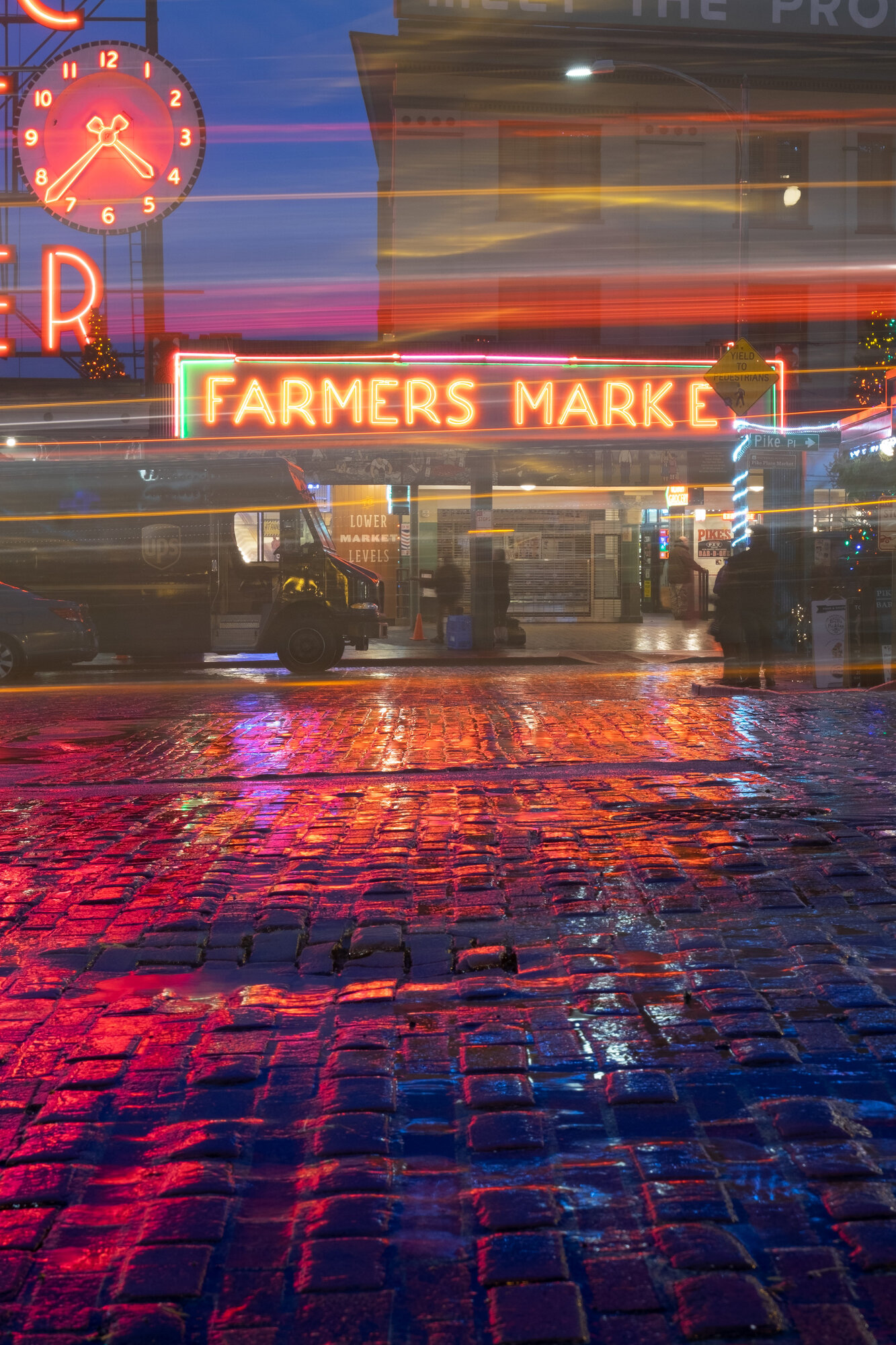
    5-second exposure mounted on a tripod.  Camera: Fujifilm X-T1 Shutter speed: 5 seconds Aperture: f/14 ISO: 200 Photo: Jeff Carlson
    5-second exposure mounted on a tripod. Camera: Fujifilm X-T1 Shutter speed: 5 seconds Aperture: f/14 ISO: 200 Photo: Jeff Carlson
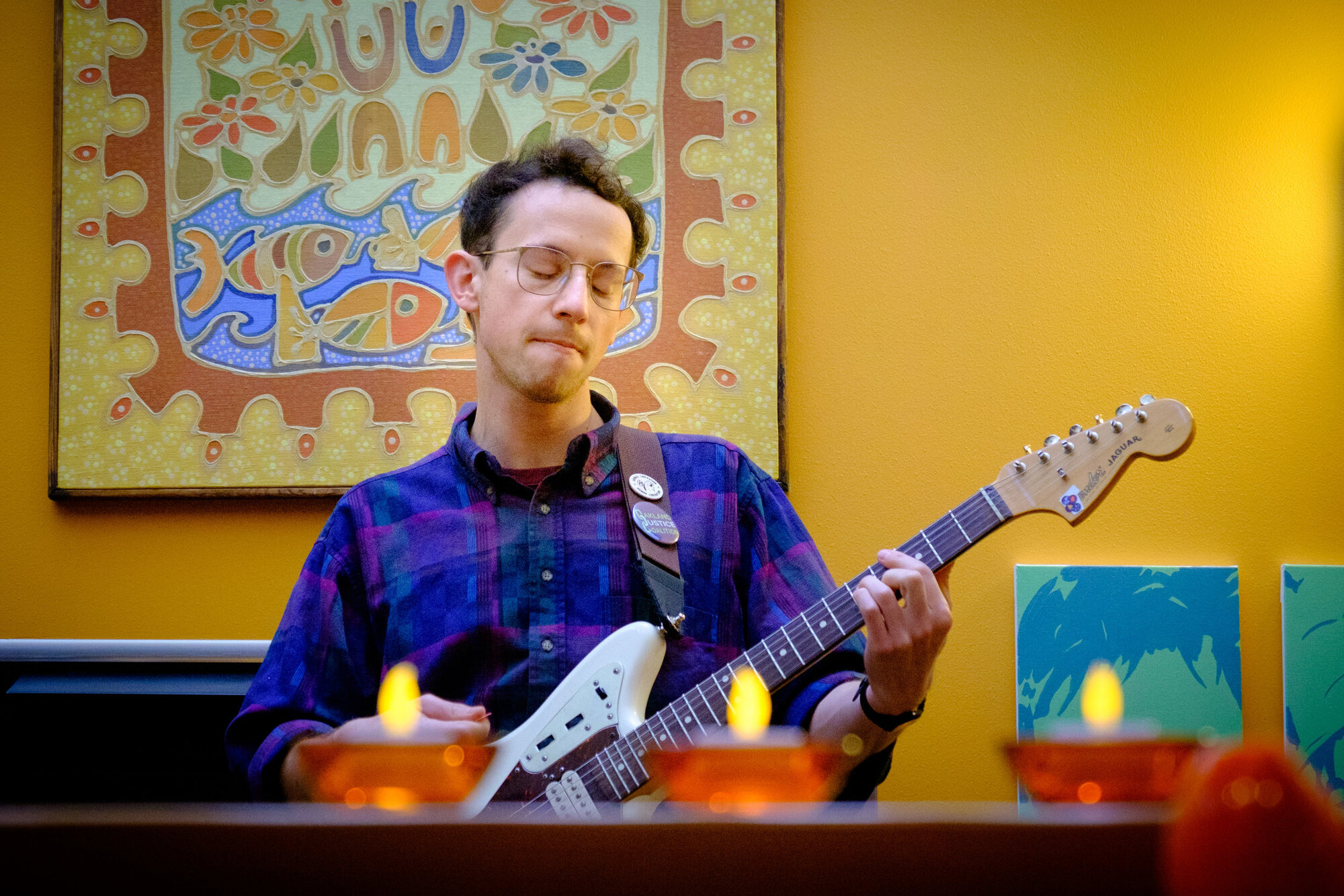
    Low interior lighting makes for challenging exposures. Here, Keith Bower Brown of the band Trails and Ways performs at a private house party.  Camera: Fujifilm X-T1 Shutter speed: 1/125 second Aperture: f/5.0 ISO: 3200 Photo: Jeff Carlson
    Low interior lighting makes for challenging exposures. Here, Keith Bower Brown of the band Trails and Ways performs at a private house party. Camera: Fujifilm X-T1 Shutter speed: 1/125 second Aperture: f/5.0 ISO: 3200 Photo: Jeff Carlson
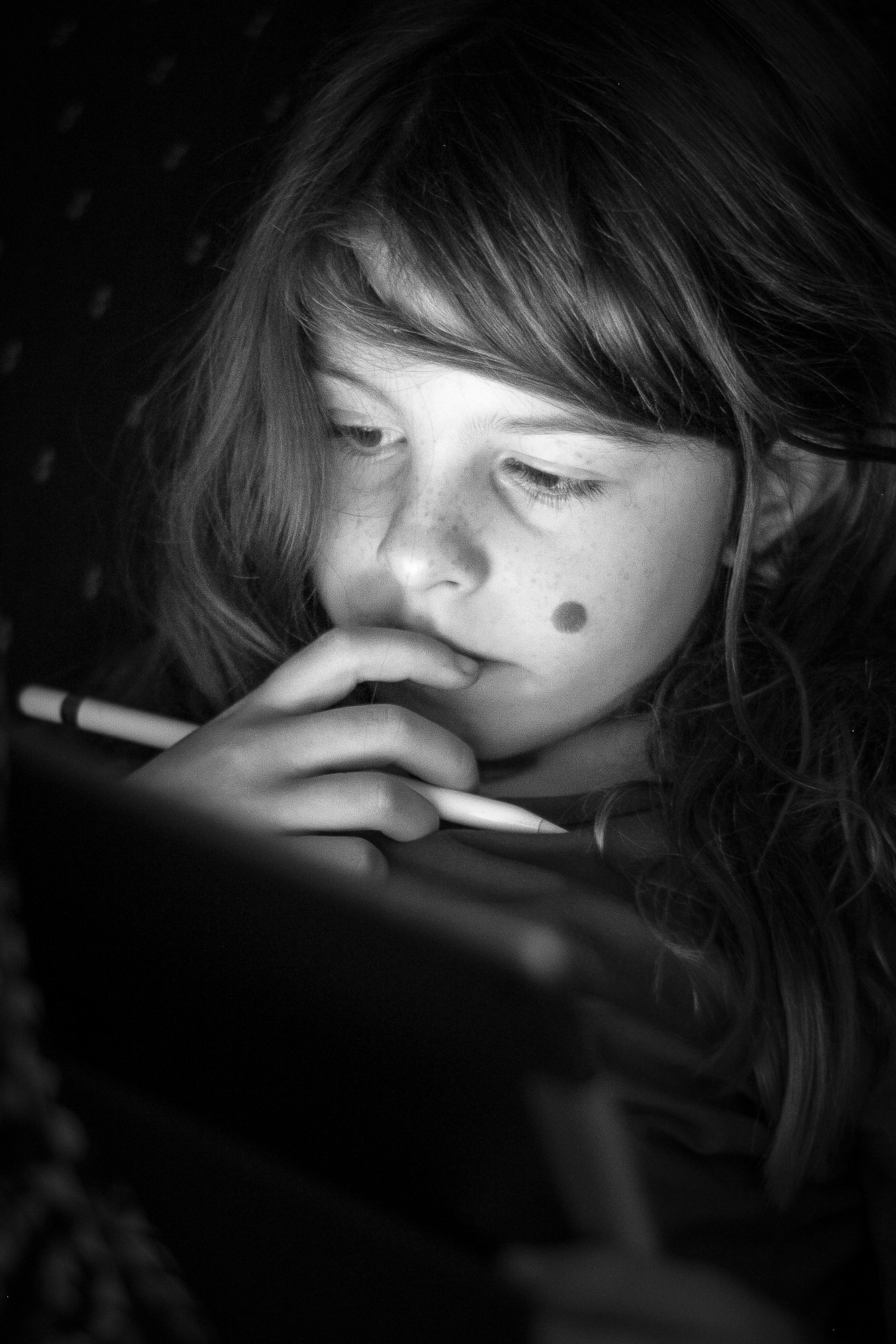
    An example of using environmental light (the iPad screen) to illuminate a subject in a dark environment.  Camera: Fujifilm X-T1 Shutter speed: 1/60 second Aperture: f/1.8 ISO: 800 Photo: Jeff Carlson
    An example of using environmental light (the iPad screen) to illuminate a subject in a dark environment. Camera: Fujifilm X-T1 Shutter speed: 1/60 second Aperture: f/1.8 ISO: 800 Photo: Jeff Carlson

    Episode 27: Flying High with Ian Schray and Drones Nov 30, 2018
    Show notes

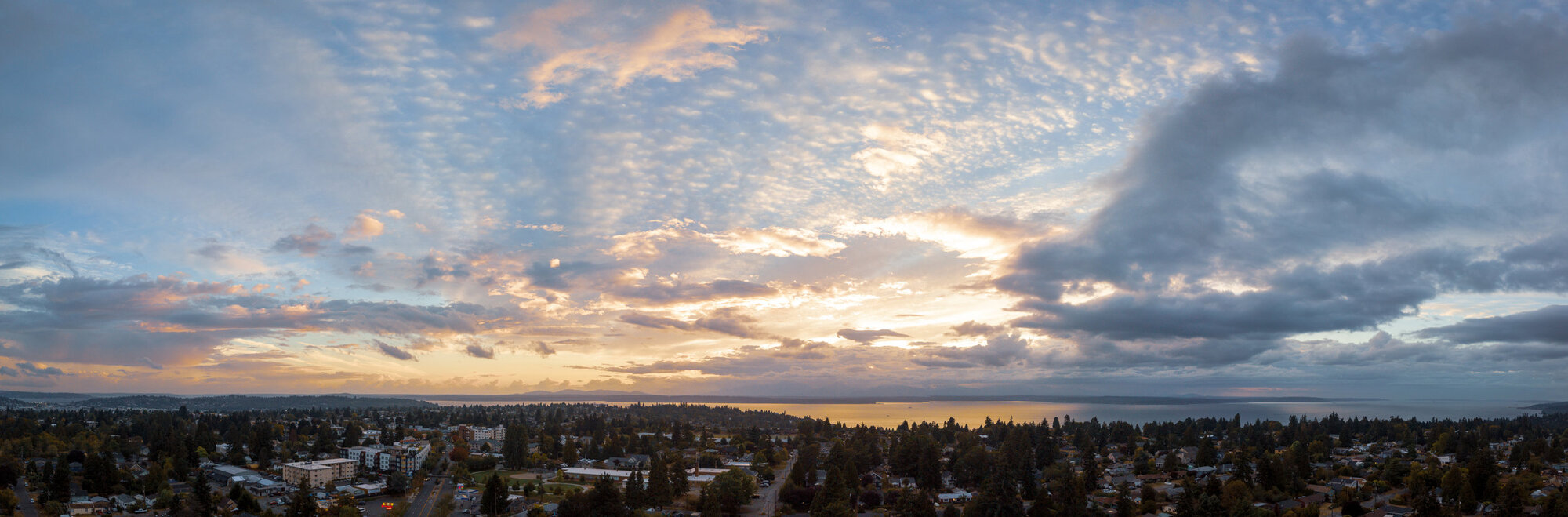
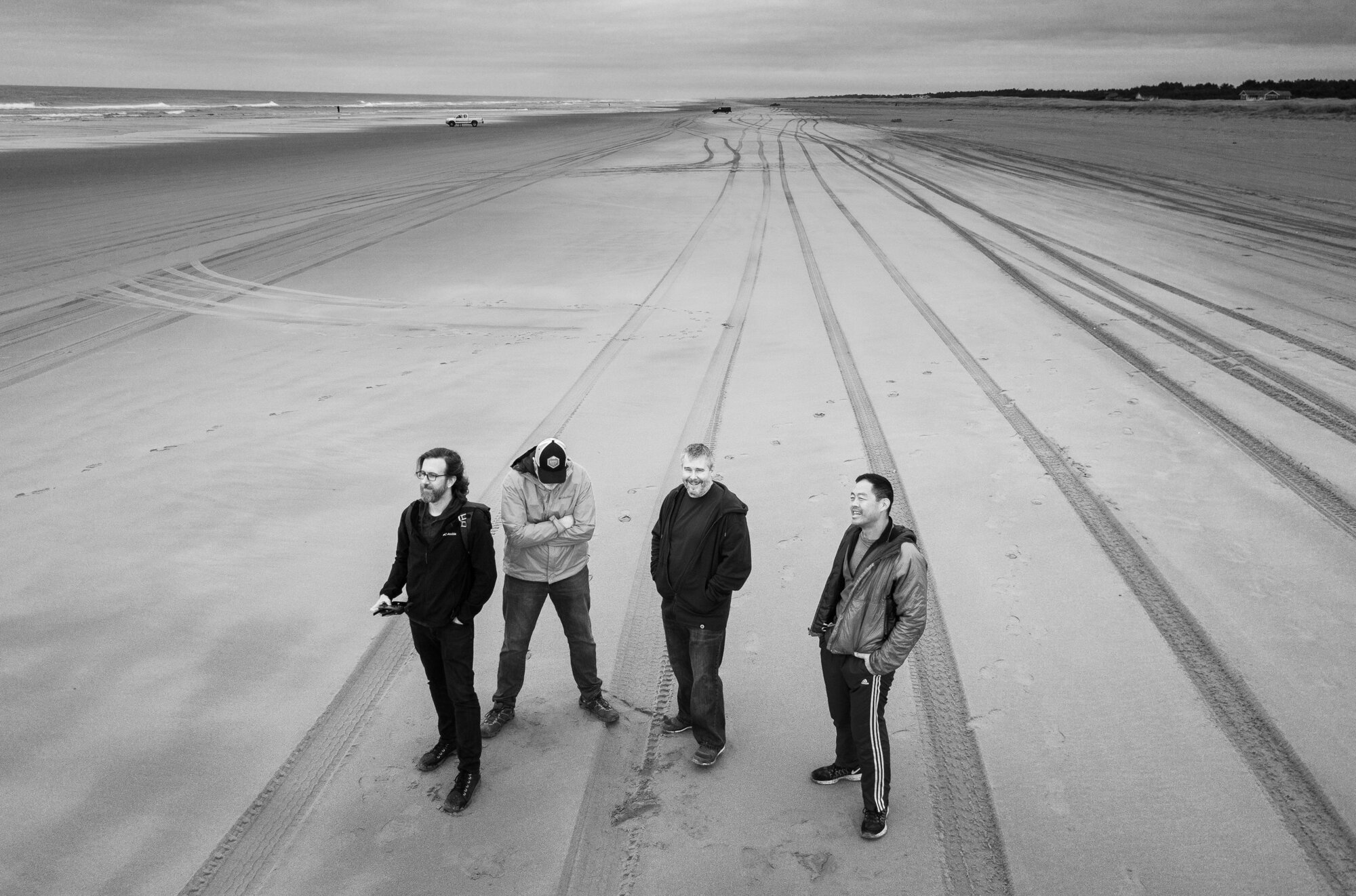
    In traditional photography, a great piece of advice is to “zoom with your feet,” or, move yourself closer to a subject. What happens when the subject is 400 feet high? Or you want a unique viewpoint that wouldn’t be possible without a crane? This week we talk to Ian Schray about flying drones: quadcopters outfitted with cameras.

    Guest:

    • Ian Schray (Twitter)

    Hosts:

    • Jeff's website, Jeff's photos, Jeff on Instagram
    • Kirk's website, Kirk's photos, Kirk on Instagram

    Show Notes:

    (View show notes with images at PhotoActive.co)

    • Rate and Review the PhotoActive Podcast!

    • The Committed Podcast

    • DJI Drones

    • DJI Pantom 2 V2.0 Quadcopter

    • DJI Phantom 4 Quadcopter (Ian’s model)

    • DJI Mavic Pro 1 (Jeff’s model)

    • DJI Mavic Pro 2

    • FAA Unmanned Aircraft Systems information

    • DJI Fly Safe information

    Our Snapshots:

    • Jeff: Fstop Labs Accessories for DJI Mavic Pro/Platinum/Alpine White - Transport Clip Controller Transmitter Joystick Protector
    • Kirk: 133 Countries from Above, by Yann Arthus-Bertrand

    Subscribe to the PhotoActive podcast mailing list at the bottom of any page at the PhotoActive web site to be notified of new episodes and be eligible for occasional giveaways. If you’ve already subscribed to the mailing list, you’re automatically entered.

    If you like the show, please subscribe in iTunes or your favorite podcast app, and please rate the podcast. And don't forget to join the PhotoActive Facebook group to discuss the podcast, share your photos, and more.


    Episode 26: RAW Power 2.0 Nov 23, 2018
    Show notes

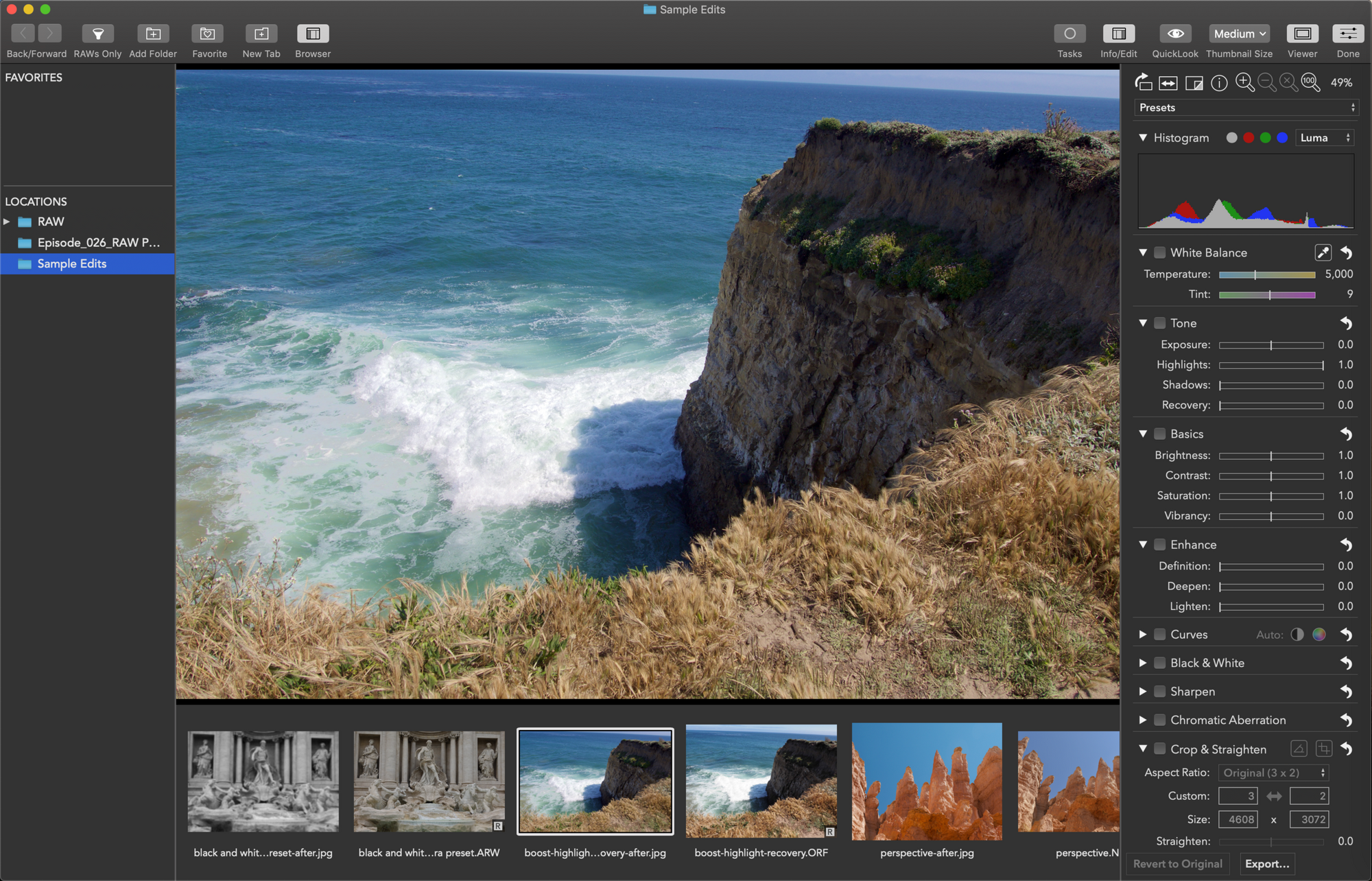
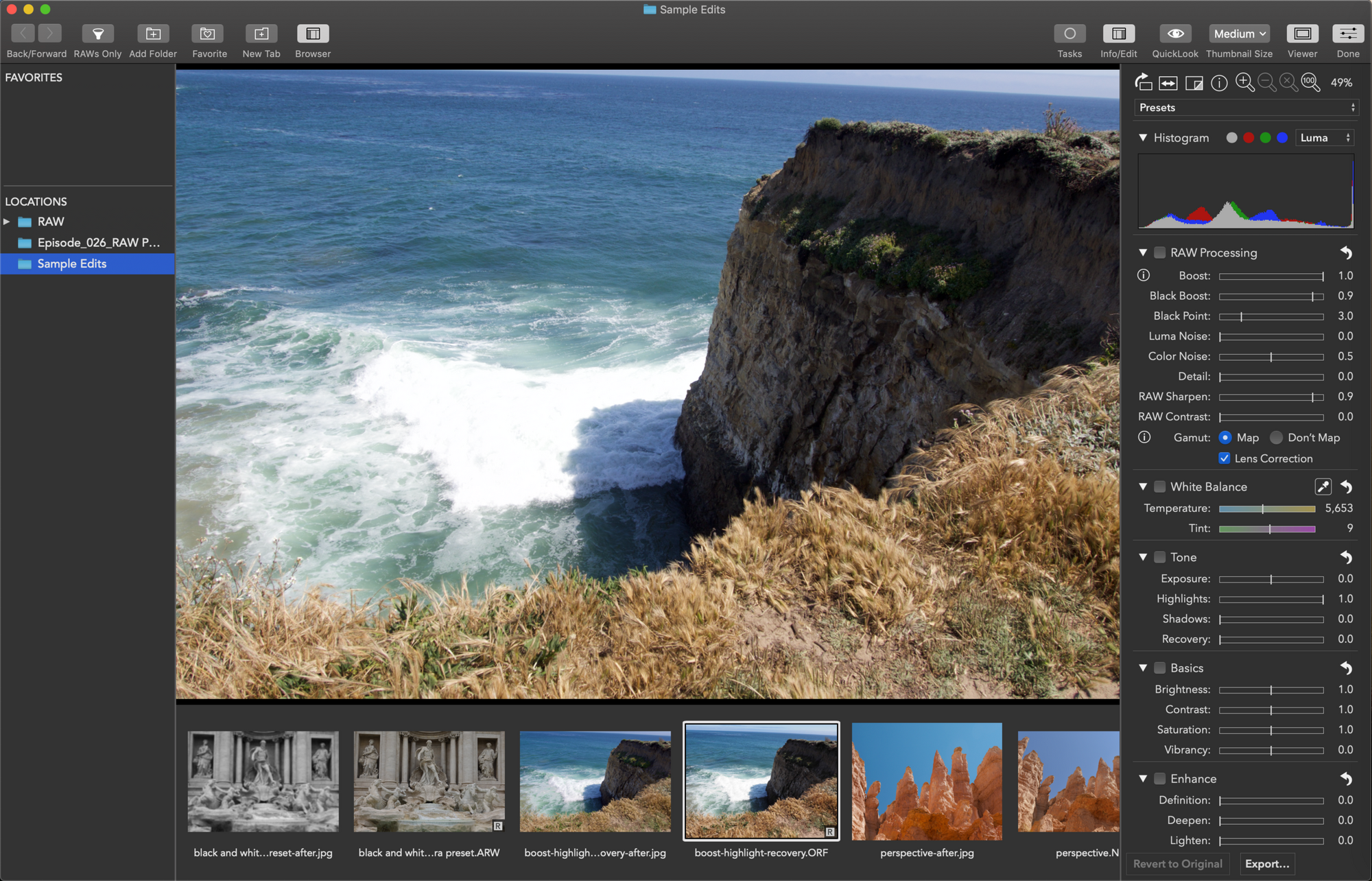
    This week we’re joined by Nik Bhatt, former developer of Aperture and iPhoto at Apple and now a distinguished gentleman at Gentlemen Coders. Using his deep knowledge of how Apple’s raw photo editing engine works, Nik has just released RAW Power 2.0, an app for macOS and iOS. We talk about RAW Power’s unique features and learn some of the fascinating ins and outs of raw image processing.

    Sponsor

    Gentlemen Coders, RAW Power 2.0 lets you process raw files on your Mac with full control over Apple’s raw engine, offering features previously available only in Aperture. It has exceptional highlight recovery, as well as noise reduction, capture sharpening, gamut mapping, and more. RAW Power also works with JPEGs, TIFFs, and other standard image formats. RAW Power 2.0 runs as an extension in Apple Photos or as a standalone app. RAW Power 2.0 for iOS is a full photo library app that offers the same features, and works with your existing Photos library. Learn more at rawpower.app.

    Guest:

    • Nik Bhatt

    Hosts:

    • Jeff's website, Jeff's photos, Jeff on Instagram
    • Kirk's website, Kirk's photos, Kirk on Instagram

    Show Notes:

    (View show notes with images at PhotoActive.co)

    • Rate and Review the PhotoActive Podcast!
    • RAW Power for macOS
    • RAW Power for iOS
    • Episode #6 - Raw vs. JPEG
    • Hands-on: RAW Power for iOS, DPReview

    Our Snapshots:

    • Jeff: 12.9-inch iPad Pro (2018)
    • Kirk: Any Tripod

    Subscribe to the PhotoActive podcast mailing list at the bottom of any page at the PhotoActive web site to be notified of new episodes and be eligible for occasional giveaways. If you’ve already subscribed to the mailing list, you’re automatically entered.

    If you like the show, please subscribe in iTunes or your favorite podcast app, and please rate the podcast. And don't forget to join the PhotoActive Facebook group to discuss the podcast, share your photos, and more.

    Highlights recovered
    Highlights recovered
    Original image
    Original image

    Episode 25: Understanding iCloud Photo Library Nov 16, 2018
    Show notes

    If you use Apple’s Photos app on your Mac or iOS device, are you also synchronizing your images via iCloud Photo Library? In this week’s episode, Jeff and Kirk talk about the pros and cons of Apple’s cloud service for photos. Why should you consider it? What are the downsides? And if you have your images in the cloud, is that considered a backup? (No, it’s not. We explain why.)

    Sponsor

    Masters of Photography, online masterclasses with the greatest photographers in the world. Get 5% off any course with the code PHOTOACTIVE. https://mastersof.photography

    Hosts:

    • Jeff's website, Jeff's photos, Jeff on Instagram
    • Kirk's website, Kirk's photos, Kirk on Instagram

    Show Notes:

    (View show notes with images at PhotoActive.co)

    • Rate and Review the PhotoActive Podcast!
    • Take Control of Your Digital Photos, by Jeff Carlson
    • The Next Track podcast
    • Set Up and Use iCloud Photos, Apple
    • Manage your photo and video storage, Apple
    • Buy more iCloud storage, Apple
    • Spect app
    • Photo browser utilities for the Mac: Quickly sort through a photo shoot, Macworld
    • Inside iOS 12: Photos Encourages More Engagement, TidBITS
    • iMazing HEIC Converter

    Our Snapshots:

    • Jeff: Mini Gaffer Tape Rolls
    • Kirk: Everyday Photography Every Day podcast by Michael Rubin and Suzanne Fritz-Hanson

    Subscribe to the PhotoActive podcast mailing list at the bottom of any page at the PhotoActive web site to be notified of new episodes and be eligible for occasional giveaways. If you’ve already subscribed to the mailing list, you’re automatically entered.

    If you like the show, please subscribe in iTunes or your favorite podcast app, and please rate the podcast. And don't forget to join the PhotoActive Facebook group to discuss the podcast, share your photos, and more.


    Episode 24: Manual vs Automatic Camera Settings Nov 09, 2018
    Show notes

    We (good-naturedly) wade back into the question of “What makes a REAL photographer?” In this case, we’re talking about shooting using entirely manual controls or using the auto or semi-automatic modes on your camera. (Spoiler: Anyone with a camera is a real photographer.) We discuss when each approach works, and the advantages of knowing how shutter speed, aperture, and ISO all work together.

    Sponsor

    Masters of Photography, online masterclasses with the greatest photographers in the world. Get 5% off any course with the code PHOTOACTIVE. https://mastersof.photography

    Hosts:

    • Jeff's website, Jeff's photos, Jeff on Instagram
    • Kirk's website, Kirk's photos, Kirk on Instagram

    Show Notes:

    (View show notes with images at PhotoActive.co)

    • Episode #21 - HDR (High Dynamic Range) Photography
    • Aperture Priority mode (Wikipedia)
    • Shutter Priority mode (Wikipedia)
    • The Exposure Triangle - A Beginner’s Guide (PhotographyLife.com)
    • Episode #8 - Gordon Laing on Taking Great Photos In Camera
    • f/8 and Be There - What We Can Learn from WeeGee’s Philosophy

    Our Snapshots:

    • Jeff: Road to Seeing, by Dan Winters
    • Kirk: iPhone XS Max

    Subscribe to the PhotoActive podcast mailing list at the bottom of any page at the PhotoActive web site to be notified of new episodes and be eligible for occasional giveaways. If you’ve already subscribed to the mailing list, you’re automatically entered.

    If you like the show, please subscribe in iTunes or your favorite podcast app, and please rate the podcast. And don't forget to join the PhotoActive Facebook group to discuss the podcast, share your photos, and more.

    iPhone XS Max photo
    iPhone XS Max photo
    iPhone XS Max Portrait Mode photo
    iPhone XS Max Portrait Mode photo
    iPhone XS Max Smart HDR photo
    iPhone XS Max Smart HDR photo

    Episode 23: Printing Photos with Rick LePage Nov 01, 2018
    Show notes

    Do you print your photos? Although we know we should make prints, but getting from screen to paper isn’t always easy. It turns out, though, that printing is much easier today than it used to be. In this episode, we welcome photographer and publisher Rick LePage to talk about printing photos at home, from hardware to paper to inks.

    Sponsor

    Masters of Photography, online masterclasses with the greatest photographers in the world. Get 5% off any course with the code PHOTOACTIVE. https://mastersof.photography

    Guest:

    • Rick LePage
    • Rick's Instagram
    • Complete Digital Photography

    Hosts:

    • Jeff's website, Jeff's photos, Jeff on Instagram
    • Kirk's website, Kirk's photos, Kirk on Instagram

    Show Notes:

    (View show notes with images at PhotoActive.co)

    • Kirk's Canon printer
    • Printerville archives
    • Red River Paper
    • Moab Paper
    • Fracture
    • Hahnemuhle FineArt Glossy Inkjet Paper Sample Pack
    • MOAB General Sampler
    • Canon Pro Paper Samples Pack

    Our Snapshots:

    • Jeff: Moo.com Business Cards
    • Kirk: Magnum square print sale

    Subscribe to the PhotoActive podcast mailing list at the bottom of any page at the PhotoActive web site to be notified of new episodes and be eligible for occasional giveaways. If you’ve already subscribed to the mailing list, you’re automatically entered.

    If you like the show, please subscribe in iTunes or your favorite podcast app, and please rate the podcast. And don't forget to join the PhotoActive Facebook group to discuss the podcast, share your photos, and more.


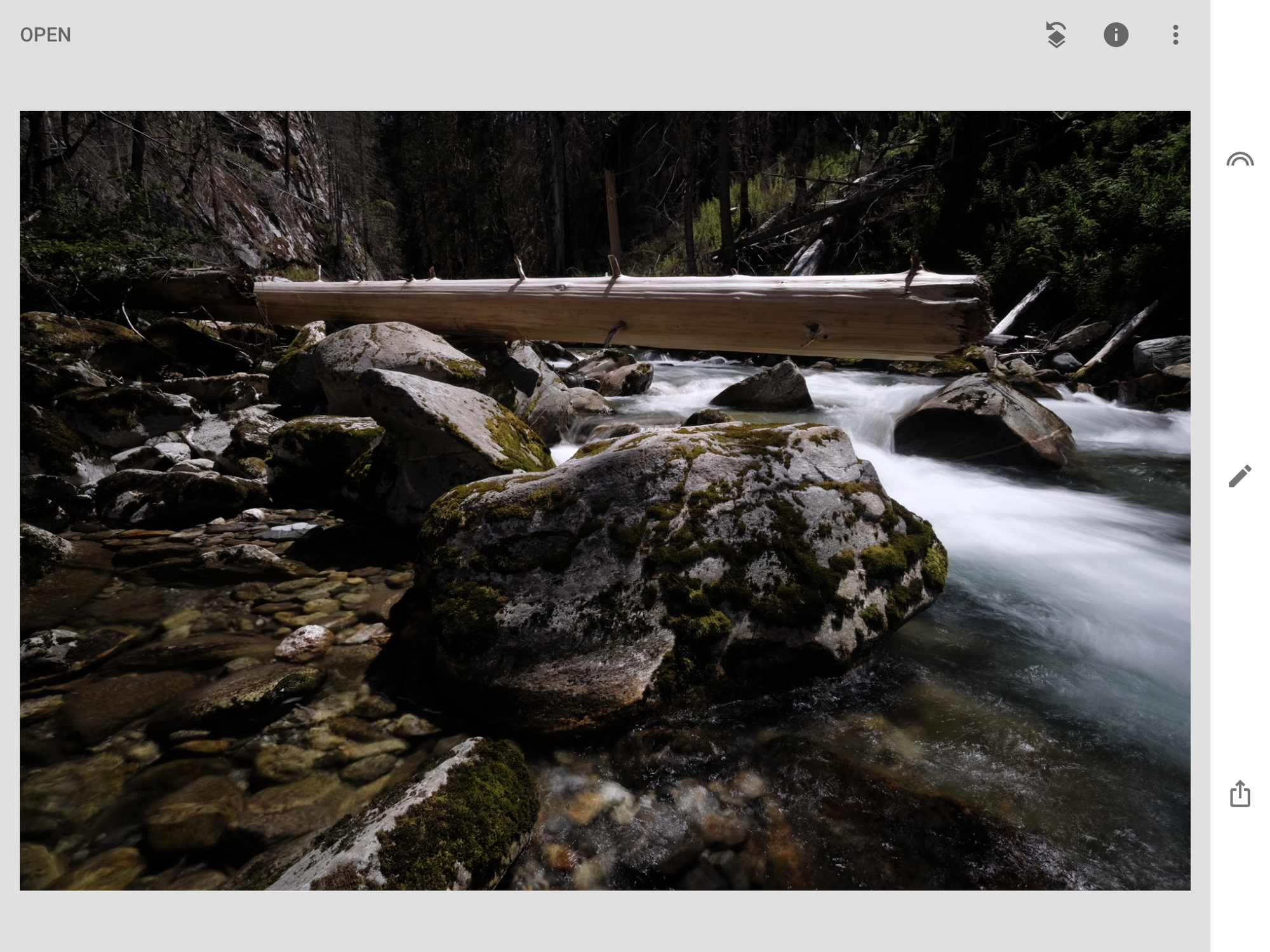
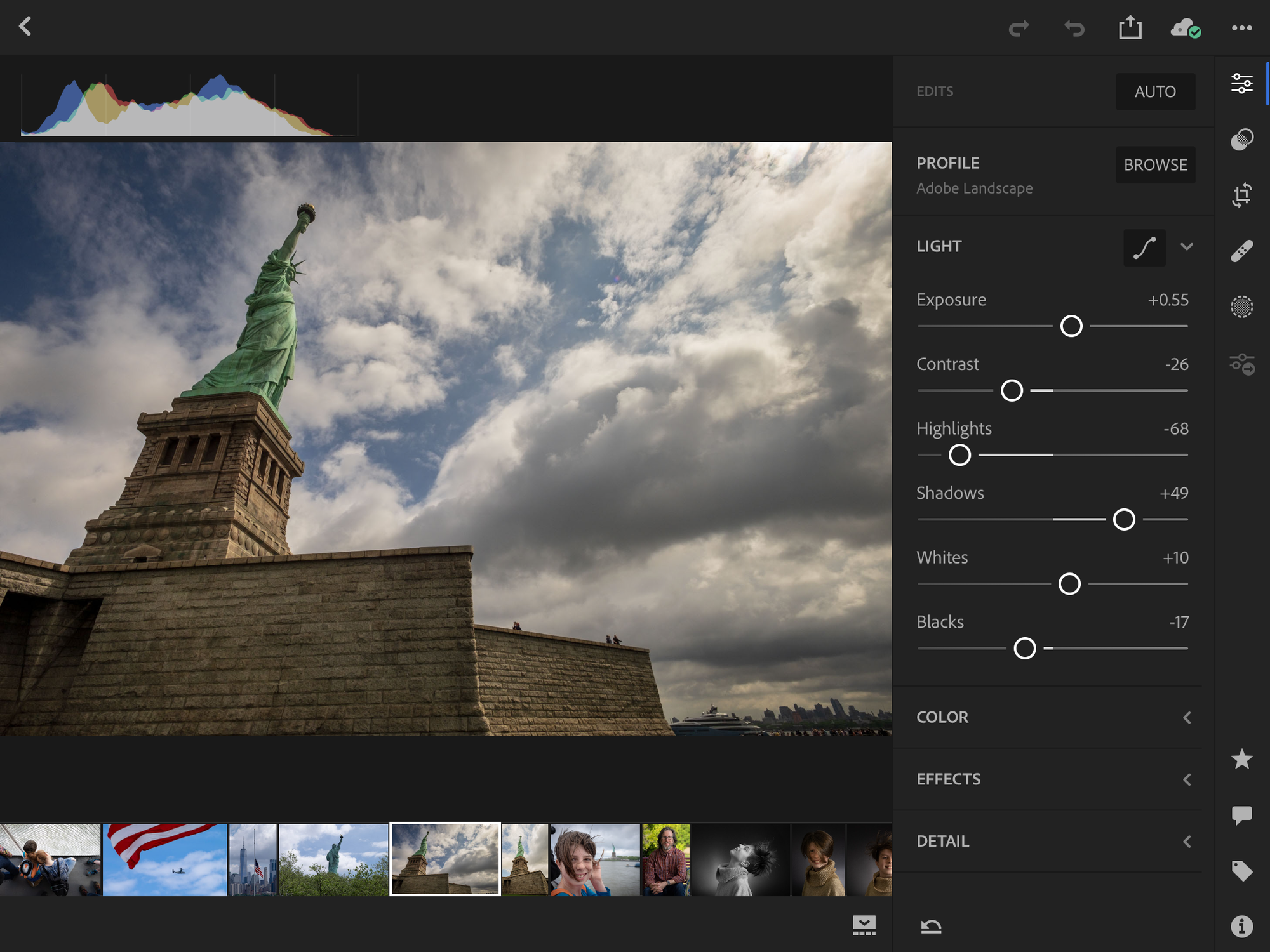
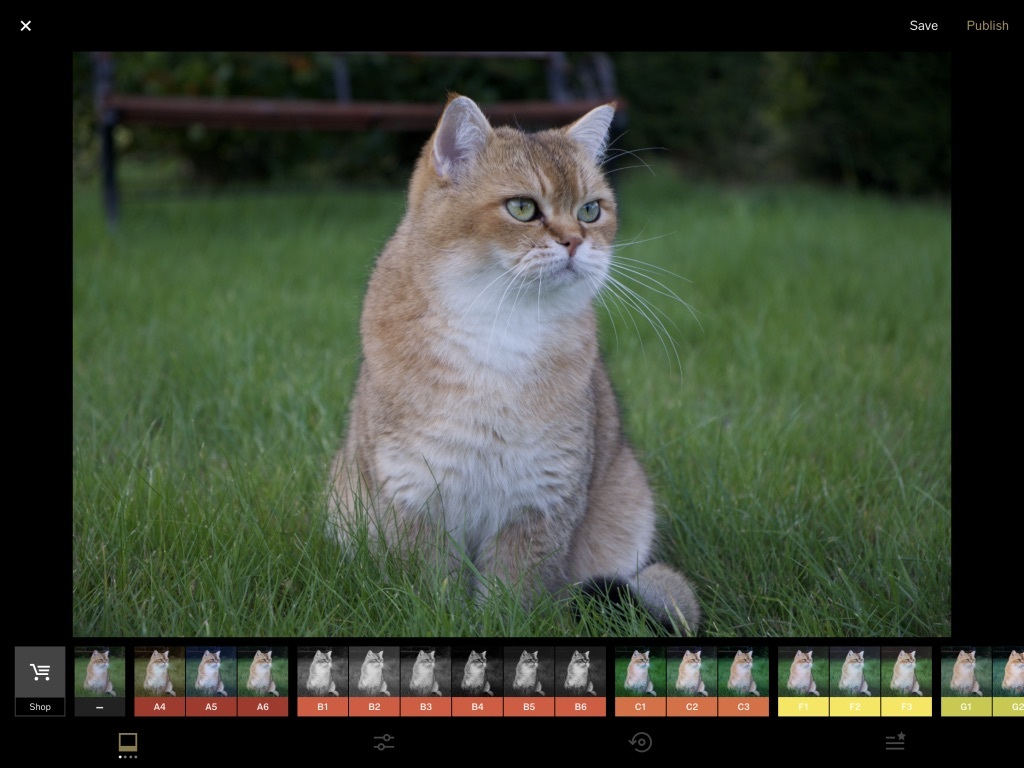
    Episode 22: Editing Photos in iOS Apps Oct 26, 2018
    Show notes

    We’ve talked about using an iPhone as a camera, but what about as a photo editor? The iPhone and iPad have come a long way since the early models, and they’re now quite capable digital darkrooms. But can you do “real” editing on them? Jeff and Kirk reveal how they use their devices with their photos, and cover some of the top editing apps for iOS.

    Sponsor

    Masters of Photography, online masterclasses with the greatest photographers in the world. Get 5% off any course with the code PHOTOACTIVE. https://mastersof.photography

    Hosts:

    • Jeff's website, Jeff's photos, Jeff on Instagram
    • Kirk's website, Kirk's photos, Kirk on Instagram

    Show Notes:

    (View show notes with images at PhotoActive.co)

    • The iPad for Photographers, Jeff’s book
    • Photoshop for iPad (Adobe)
    • "Finally: Real Photoshop on the iPad,” The Verge
    • Color Management (Wikipedia)
    • Snapseed
    • Affinity Photo for iPad
    • Review: Affinity Photo for iPad, DPReview
    • Lightroom CC mobile
    • VSCO

    Our Snapshots:

    • Jeff: USB Camera Battery Charger (be sure to search for a model that supports your camera’s battery)
    • Kirk: Stalker, directed by Andrei Tarkovsky; Kirk's article about Stalker
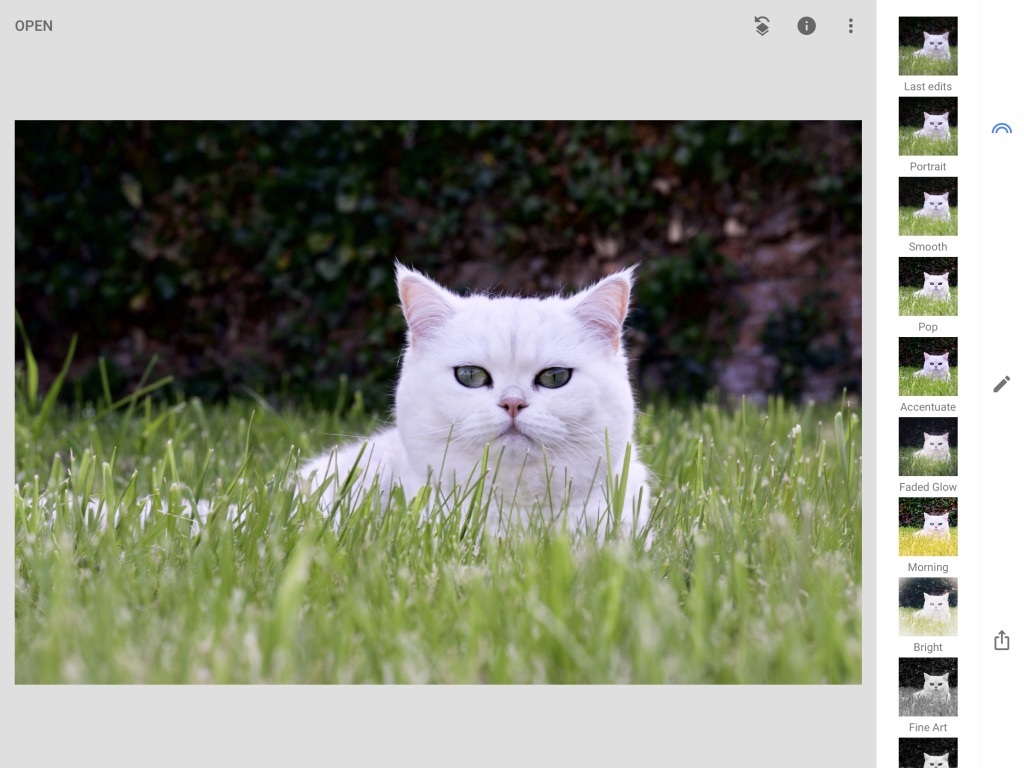
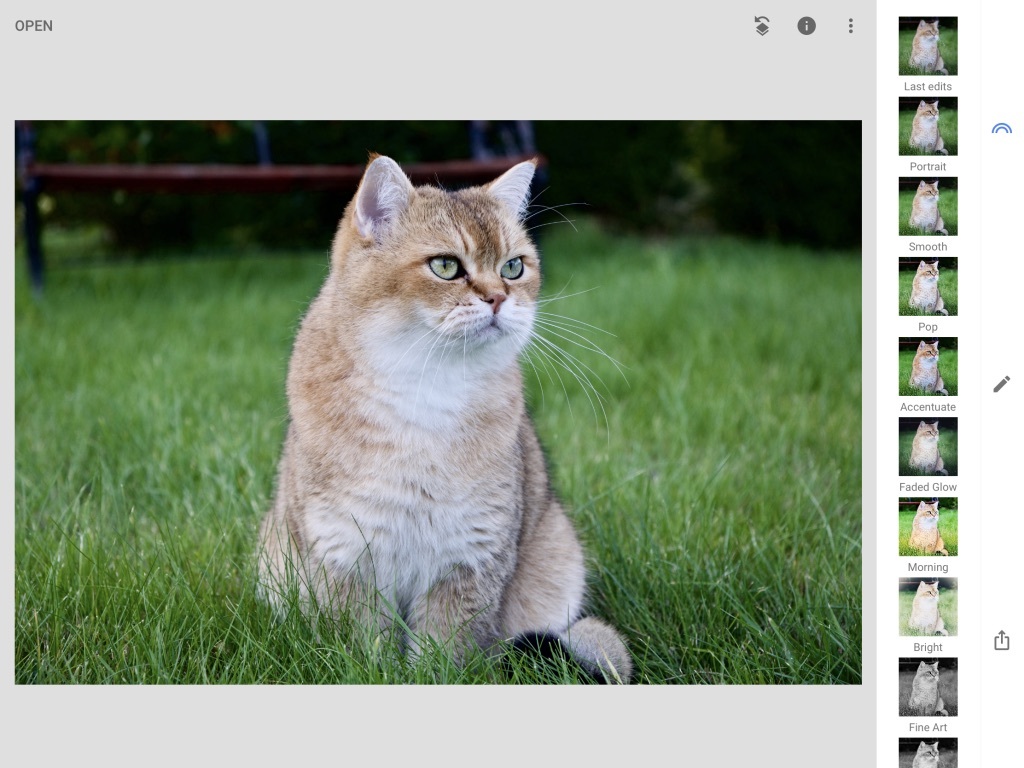
    Editing in Snapseed on the iPad Pro
    Editing in Snapseed on the iPad Pro
    Lens Blur applied in Snapseed on the iPad Pro
    Lens Blur applied in Snapseed on the iPad Pro
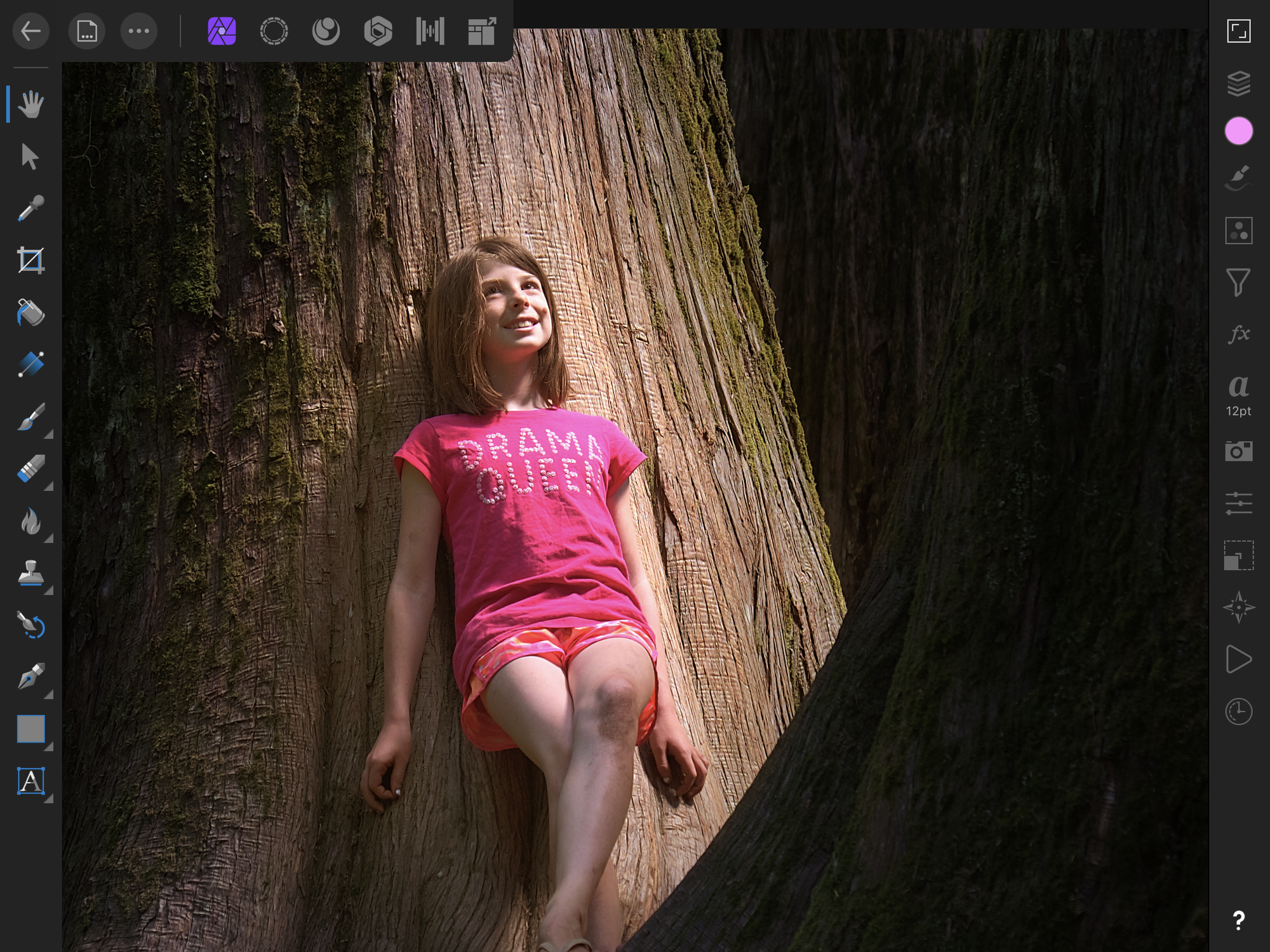
    Editing in Affinity Photo for iPad
    Editing in Affinity Photo for iPad
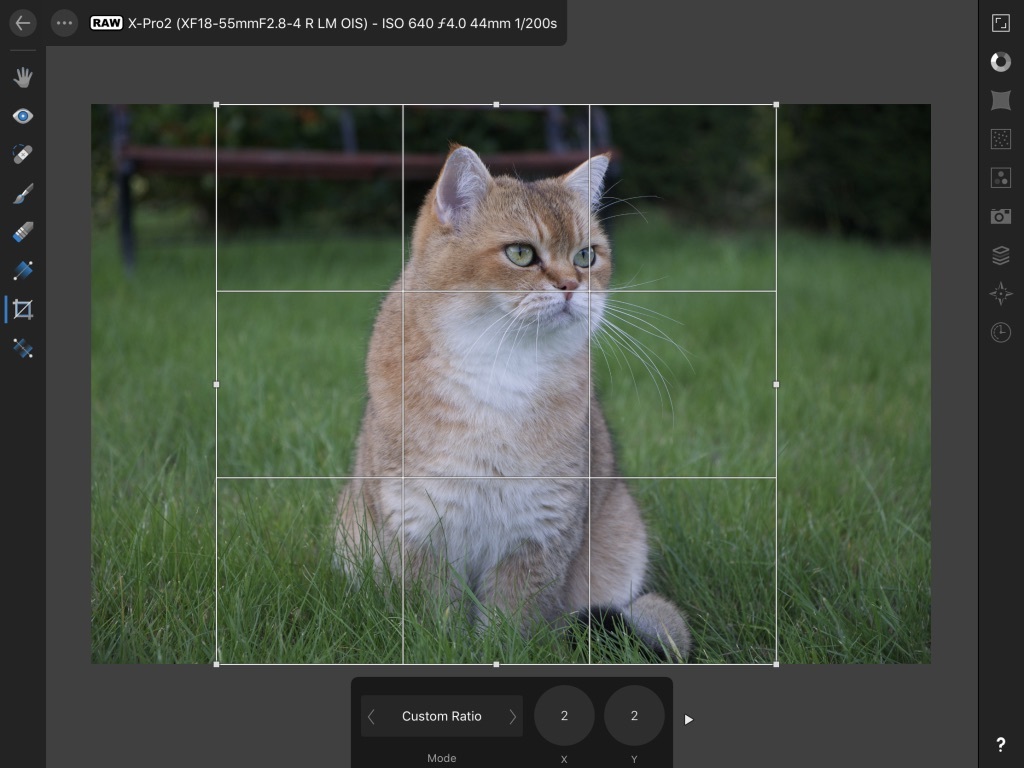
    Cropping in Affinity Photo for iPad
    Cropping in Affinity Photo for iPad
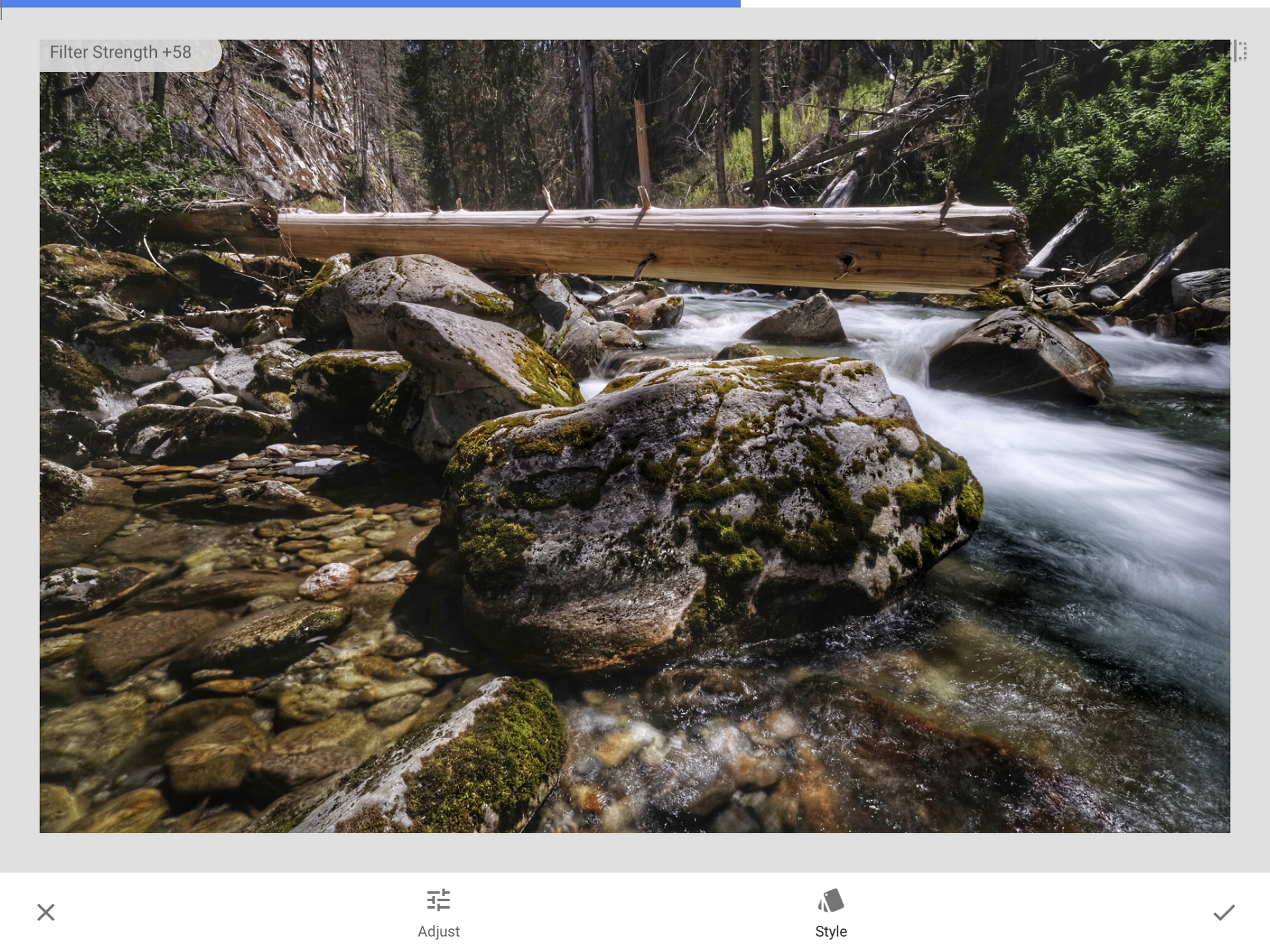
    Snapseed HDRScape - After
    Snapseed HDRScape - After
    Snapseed HDRScape - Before
    Snapseed HDRScape - Before
    Editing in Lightroom CC on the iPad Pro
    Editing in Lightroom CC on the iPad Pro
    VSCO on the iPad Pro
    VSCO on the iPad Pro

    Episode 21: High Dynamic Range (HDR) Photography Oct 19, 2018
    Show notes

    “HDR” used to bring to mind surreal landscapes with garish colors and very few shadows. Fortunately, high-dynamic range photography has matured beyond those early days, and is a useful technique for getting more detail out of any scene. The latest iPhone and other smartphone cameras use HDR liberally to create good shots in all types of situations. We talk about making HDR photos using traditional cameras and techniques and also the new iPhone's computational methods.

    Sponsor

    Masters of Photography, online masterclasses with the greatest photographers in the world. Get 5% off any course with the code PHOTOACTIVE. https://mastersof.photography

    Hosts:

    • Jeff's website, Jeff's photos, Jeff on Instagram
    • Kirk's website, Kirk's photos, Kirk on Instagram

    Show Notes:

    • Photos of Chipping Campden (Google images)
    • Graduated neutral density filter (round)
    • Graduated neutral density filter (rectangular, requires a holder)
    • Aurora HDR: A Photoversity Guide, Jeff’s book
    • Trey Ratcliffe's HDR
    • The Best Camera Lens Filters, Flashes, and Accessories for Taking Great Photos
    • The iPhone XS is a leap forward in computational photography, Jeff’s article at DPReview
    • Lightroom Classic CC
    • Lightroom CC (which does not have HDR capability)
    • Affinity Photo for desktop
    • Aurora HDR 2019

    Our Snapshots:

    • Jeff: SanDisk Rescue Pro software
    • Kirk: Hoya Pro 1 Polarizing filter. (Be sure to search for the diameter that matches your lens.)
    Please never do this.
    Please never do this.
    HDR image edited in Aurora HDR
    HDR image edited in Aurora HDR
    Exposure +1
    Exposure +1
    Exposure -1
    Exposure -1
    HDR image
    HDR image
    Exposure -1
    Exposure -1
    Exposure +1
    Exposure +1
    Exposure 0
    Exposure 0
    iPhone XS Smart HDR image
    iPhone XS Smart HDR image
    iPhone X image
    iPhone X image

    Subscribe to the PhotoActive podcast mailing list at the bottom of any page at the PhotoActive web site to be notified of new episodes and be eligible for occasional giveaways. If you’ve already subscribed to the mailing list, you’re automatically entered.

    If you like the show, please subscribe in iTunes or your favorite podcast app, and please rate the podcast. And don't forget to join the PhotoActive Facebook group to discuss the podcast, share your photos, and more.


    Episode 20: The Blur-That-Shall-Not-Be-Named Oct 12, 2018
    Show notes

    The recent release of iPhones that improve Portrait mode spurred us to talk about bok... Kirk can’t say the word. That’s okay, because neither can Apple VP Phil Schiller (correctly, anyway). Yes, we’re discussing background blur and shallow depth of field, how to get the effect with traditional cameras and lenses as well as the faux version in some smartphones, and why you’d want to in the first place.

    Sponsor

    Masters of Photography, online masterclasses with the greatest photographers in the world. Get 5% off any course with the code PHOTOACTIVE. https://mastersof.photography

    Hosts:

    • Jeff's website, Jeff's photos, Jeff on Instagram
    • Kirk's website, Kirk's photos, Kirk on Instagram

    Show Notes:

    • Bokeh (Wikipedia)
    • Bokeh in Pictures, The Luminous Landscape
    • Snow Rail, Jeff’s photo with extremely shallow depth of field.
    • Kirk's Flowers & Macro gallery on his photos website; there are a number of photos with shallow depth of field.
    • The Timeless Beauty of Cape Cod
    • Joel Meyerowitz: Cape Light
    • Lensbaby Sol 45
    • #iphoneportraitmode on Instagram
    • SD memory cards: The features and specifications to look for, Macworld
    • Best USB-C memory card readers, Macworld

    Our Snapshots:

    • Jeff: Westcott 1107 14-inch 1-Stop Diffuser
    • Kirk: SanDisk Extreme Pro SD Card
    Jeff’s photo with extreme depth-of-field. This seemed really cool right after he bought an f/1.8 lens. Now, not so much.
    Jeff’s photo with extreme depth-of-field. This seemed really cool right after he bought an f/1.8 lens. Now, not so much.
    Portrait Mode at f/16
    Portrait Mode at f/16
    Portrait Mode at f/4.5
    Portrait Mode at f/4.5
    Portrait Mode at f/1.8
    Portrait Mode at f/1.8
    Portrait mode on the iPhone XS at f/1.4. Like a bad hallucination.
    Portrait mode on the iPhone XS at f/1.4. Like a bad hallucination.

    Subscribe to the PhotoActive podcast mailing list at the bottom of any page at the PhotoActive web site to be notified of new episodes and be eligible for occasional giveaways. If you’ve already subscribed to the mailing list, you’re automatically entered.

    If you like the show, please subscribe in iTunes or your favorite podcast app, and please rate the podcast. And don't forget to join the PhotoActive Facebook group to discuss the podcast, share your photos, and more.


    Episode 19: Michael Rubin and Classic Photos Oct 04, 2018
    Show notes

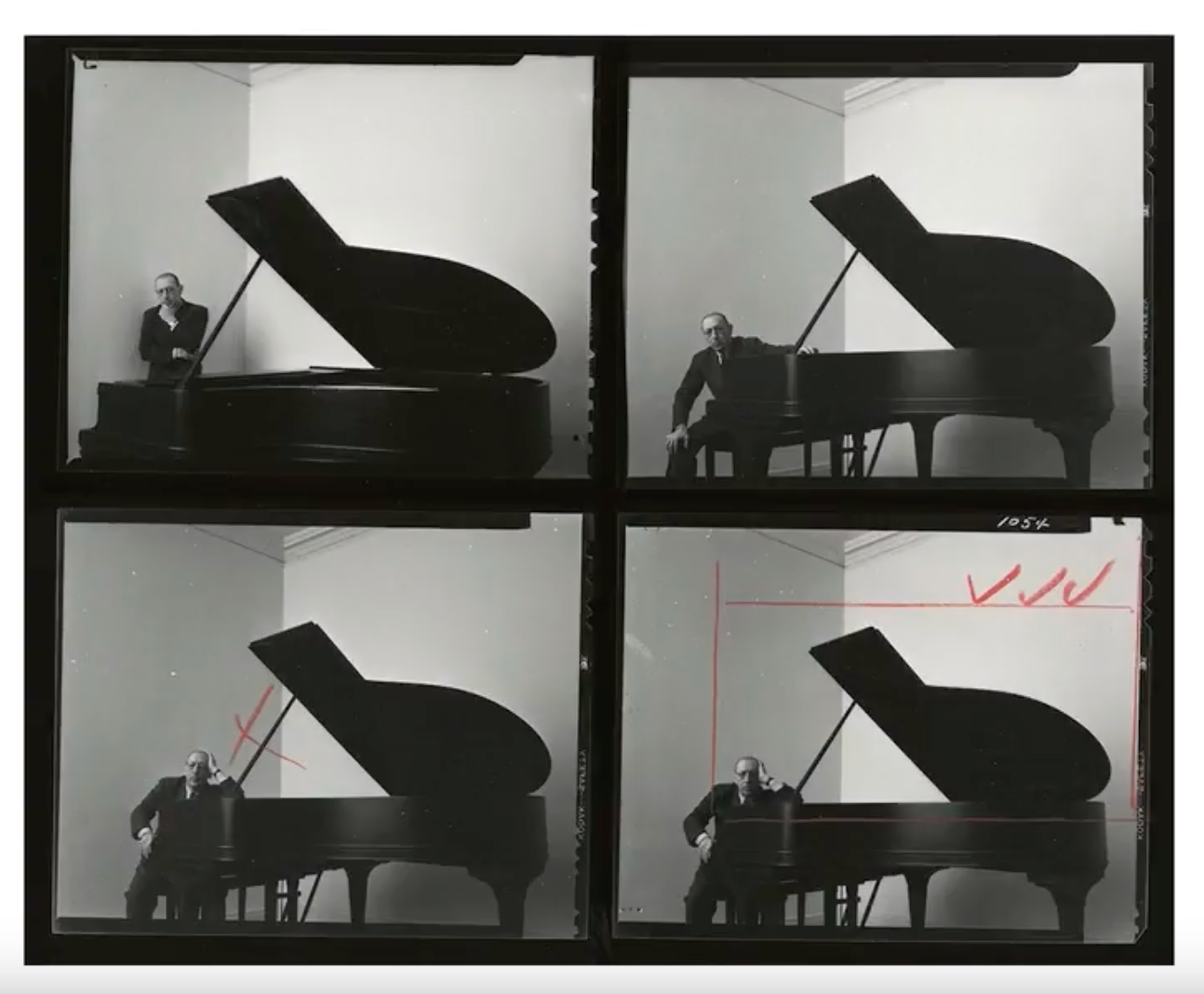
    Conversations about photography can lead to unexpected places. Although Jeff has known Michael Rubin since the days when they were both writing technology books for Peachpit Press, it wasn’t until recently that he learned about Michael’s extensive collection of fine-art photography. Of course, he had to introduce Michael to Kirk, which resulted in this episode where we enjoy an enthusiastic conversation with Michael about two prints in his collection: Arnold Newman’s “Igor Stravinsky, 1946” and Elliot Erwitt’s “New York City, 1950.”

    Sponsor

    Neomodern treats your photos like art, offering simple, affordable concierge printing and framing. Neomodern works with you to make gorgeous work from your images that you'll be proud to hang on your walls. Go online or drop in to the gallery at 1898 Union Street in San Francisco. https://www.neomodern.com

    Guest:

    • Michael Rubin
    • Michael's Instagram
    • Neomodern
    • Everyday Photography Every Day

    Hosts:

    • Jeff's website, Jeff's photos, Jeff on Instagram
    • Kirk's website, Kirk's photos, Kirk on Instagram

    Show Notes:

    • Arnold Newman: Igor Stravinsky, 1946
    • Arnold Newman: Portraits
    • Jerry Uelsmann photos
    • Elliot Erwitt’s America – New York City, USA. 1950
    • Elliot Erwitt's jumping dog (Paris, France, 1989), and other photos by Erwitt
    • Joel Meyerowitz, Girl on a Scooter, 1965
    • f/8 and Be There
    • Robert Frank Street Line
    • Michael Talks about Newman’s “Igor Stravinsky, 1946” at Neomodern
    • Harry Callahan’s Trees in Chicago

    Our Snapshots:

    • Jeff: Phottix Ares Wireless Flash Trigger Set
    • Kirk: In My Room, Saul Leiter
    Contact sheet from Newman’s portraits of Igor Stravinsky.
    Contact sheet from Newman’s portraits of Igor Stravinsky.

    Subscribe to the PhotoActive podcast mailing list at the bottom of any page at the PhotoActive web site to be notified of new episodes and be eligible for occasional giveaways. If you’ve already subscribed to the mailing list, you’re automatically entered.

    If you like the show, please subscribe in iTunes or your favorite podcast app, and please rate the podcast. And don't forget to join the PhotoActive Facebook group to discuss the podcast, share your photos, and more.


    Previous 1 18 19 20 21 22 Next

    Related Podcasts

    Fresh Air

    1

    Fresh Air Arts
    Twenty Thousand Hertz

    2

    Twenty Thousand Hertz Arts
    The Black Tapes

    3

    The Black Tapes Arts
    Snap Judgment

    4

    Snap Judgment Arts
    Here’s The Thing with Alec Baldwin

    5

    Here’s The Thing with Alec Baldwin Arts
    The NoSleep Podcast – Creative Reason Media Inc.

    6

    The NoSleep Podcast – Creative Reason Media Inc. Arts
    footer-logo

    Contact Us
    Toll Free: 844-670-7747

    Links

    • Home
    • Top Charts
    • Networks
    • Apps
    • Independents Podcasts
    • Podcast Advertising
    • Podcast News
    • Contact Us

    • About Us
    • Analytics & Insights

    Stay Connected

      Privacy, Terms of Use & Our Code of Ethics Protecting Content Creators Copyrights